5 Important Things to Know for Your Upcoming Doctor or Pharmacy Visit:
-
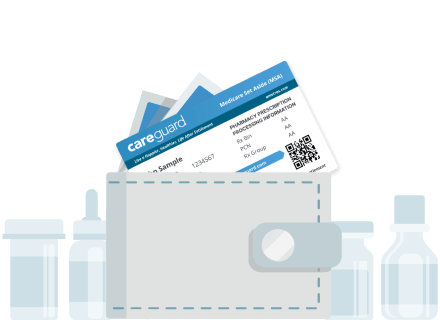
Bring Your CareGuard Card and Provider Letter that was sent in the mail.
-
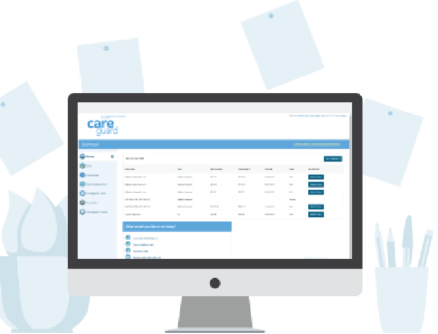
Sign up or log in to your online CareGuard Member Portal.
-
At your appointment, show your CareGuard card as your form of payment.
-
If your pharmacy or provider is having issues billing CareGuard, call us at 978-488-5707 and we will walk them through the process of setting it up.
-
Don't forget to bring your card to every future doctor and pharmacy visit to ensure your bills go directly to CareGuard so we can apply discounts and assist with Medicare Set-Aside reporting if applicable.
How Your CareGuard Card Works
01.
Bring Your CareGuard Card
Make sure to bring your CareGuard card to all of your doctor's and pharmacy visits related to your settlement injury. You can go to any doctor and pharmacy that accepts CareGuard. No utilization review or denials as long as it's Medicare-covered and injury-related.
02.
Handle Medical Bills with Confidence
CareGuard simplifies care-related payments. Just show your CareGuard card at your doctor's office or pharmacy, and we'll handle the rest.
Please note: While CareGuard streamlines the billing process, there
may be situations where members are responsible for paying a bill directly. In such cases, members can
submit the invoice for reimbursement, as outlined in the Member Agreement provided at enrollment.
03.
We Reduce the Bills and Apply Discounts
We review all bills looking for ways to lower the cost and apply discounts.

04.
For Medicare Set Aside Accounts
Don't worry about required annual reporting - We submit reporting on your behalf, protecting your future benefits.